Memories that glow
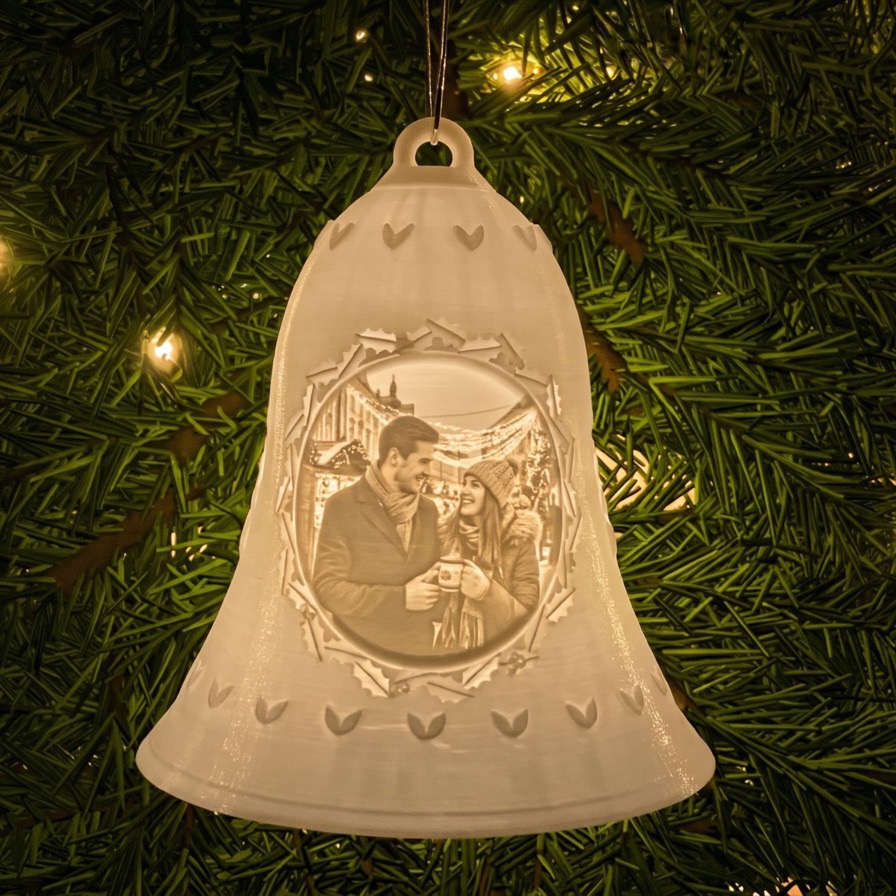
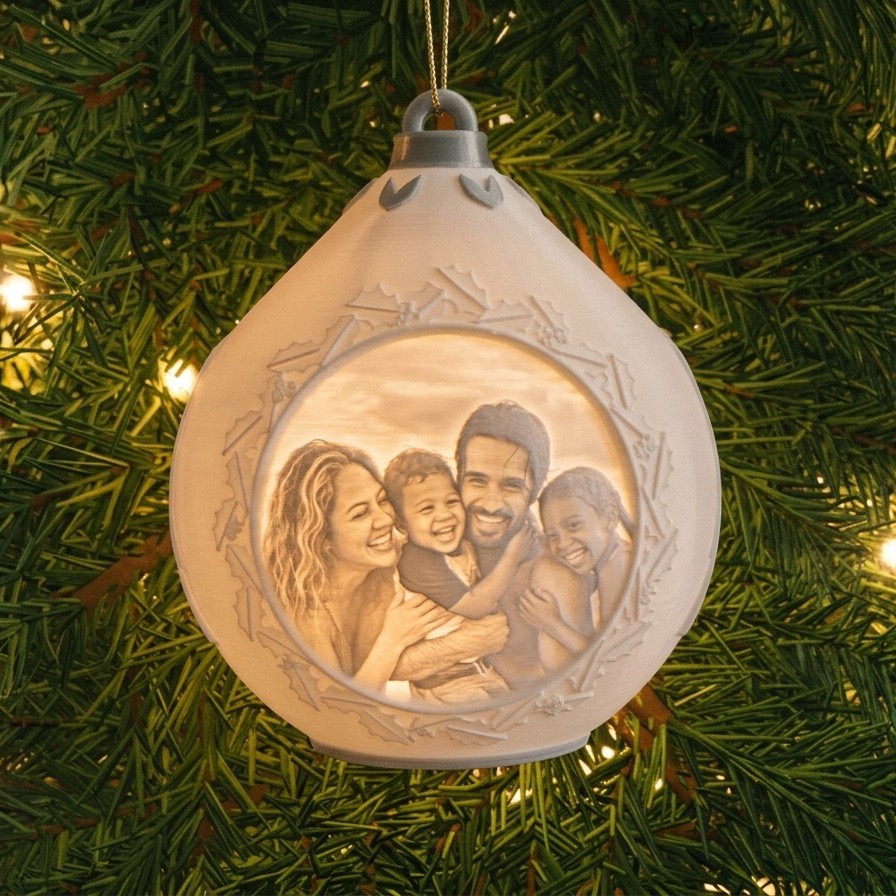
Turn a favourite picture into an ornament that lights up from the inside. Pick a shape, pick a design, add your photo. It takes about a minute.
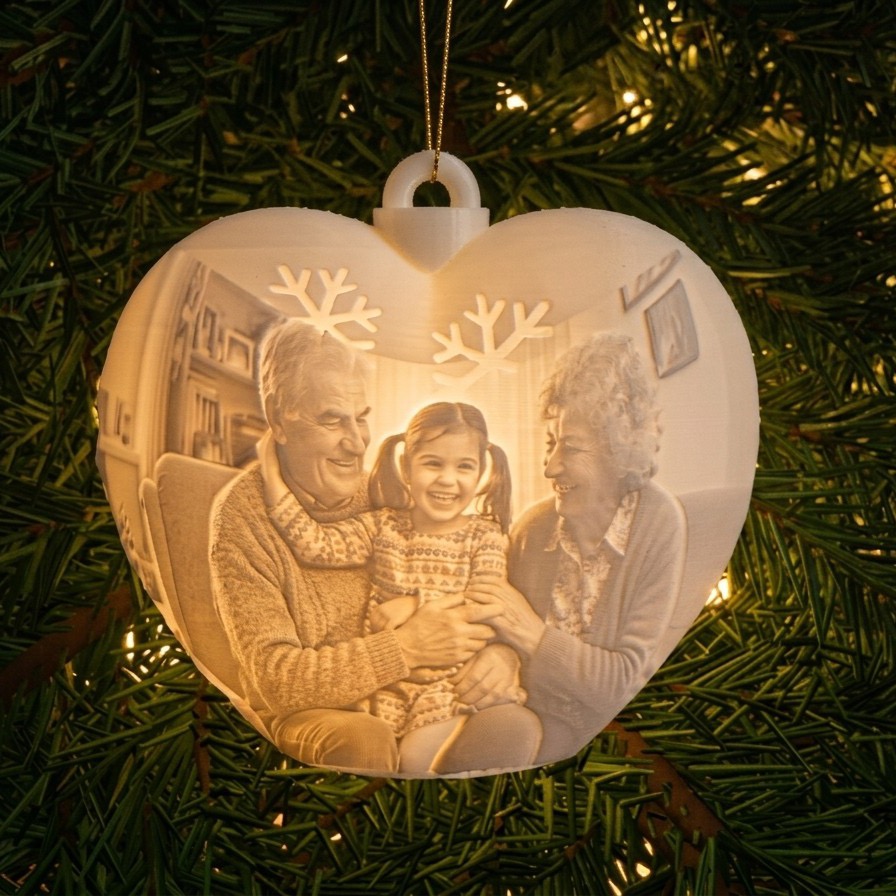
No sign-up needed. See your ornament on the tree as you design it.
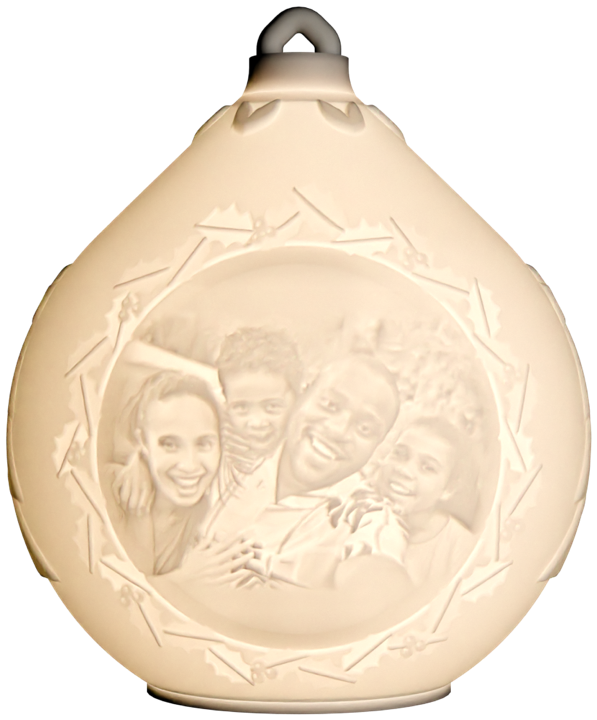
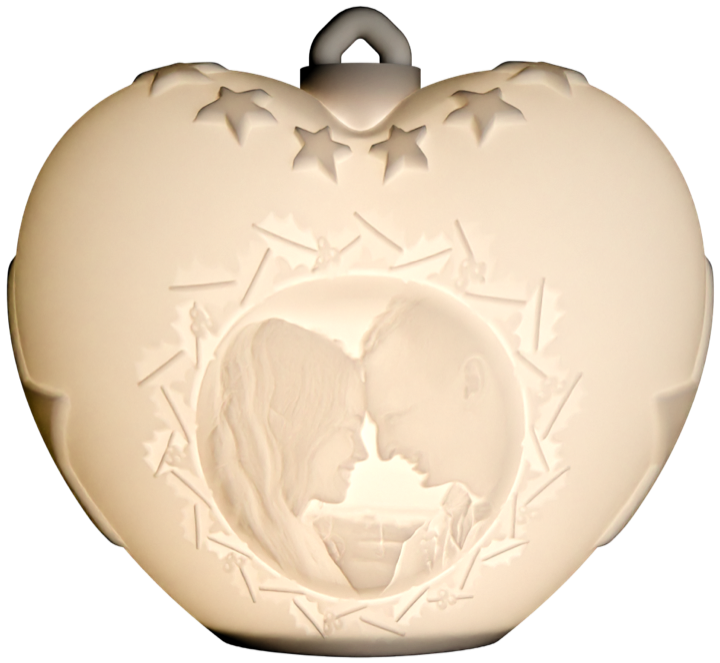
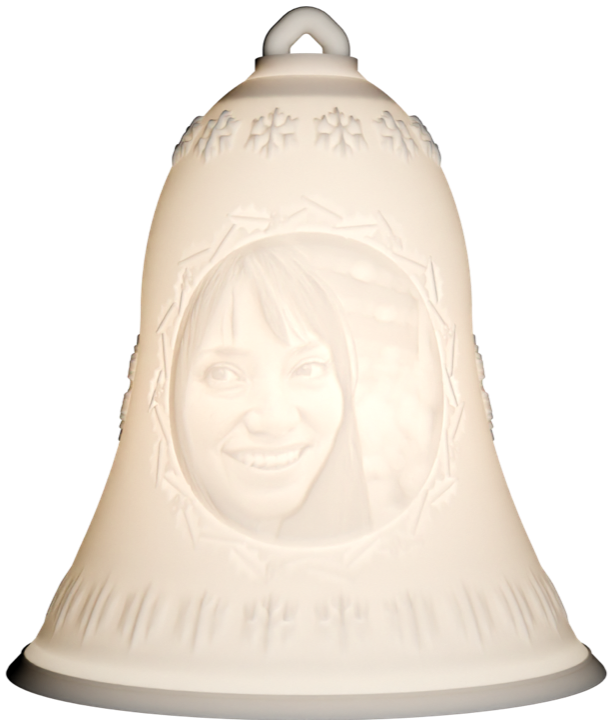
Real ornaments
Photos of finished ornaments made with Memoglow.
Designs to choose from
Three shapes, lots of designs.
How it works
Three easy steps, right in your browser.
Choose a shape and design
Bauble, heart or bell, with a ready-made design: a pattern or a festive greeting with a round photo frame.
Add your photo
Pick a picture, then make it bigger, smaller or move it until it looks just right. You see it on the tree right away.
Get your ornament file
After checkout you get a ready-to-print file for each ornament. Print it and pop in a 12 mm balloon light (the standard hole is made to fit), or hang it among your tree lights. Need a bigger light? Advanced mode has a 29 mm opening.
Want to go full ornament nerd?
Simple mode gets you a stunning ornament in a minute. Tap Advanced in the designer to take the controls: every size, pattern and greeting is yours.
Try it outFind it in the top-left corner of the designer.
- 📏Any size you like
- ✍️Your own greeting and font
- ❄️Patterns and sparkle, your way
- 🎯Photo placement, just where you want it
Ready to make yours?
Start with the sample photo, or add your own. Add as many ornaments as you like.
Start designing